Blog
Posts on accessibility, research, travel, and technology, written from my experience with low vision.
-
Visual Communication for Low-Vision Information Access
For my UIST 2026 Doctoral Symposium paper, I connect my work on lecture videos, charts, and AI through visual communication between low-vision people and their tools. I walk through what each project taught me, how visual access to communication supports low-vision people, and why people should stay in control of what they see.
-
My Needs are Not "Special"
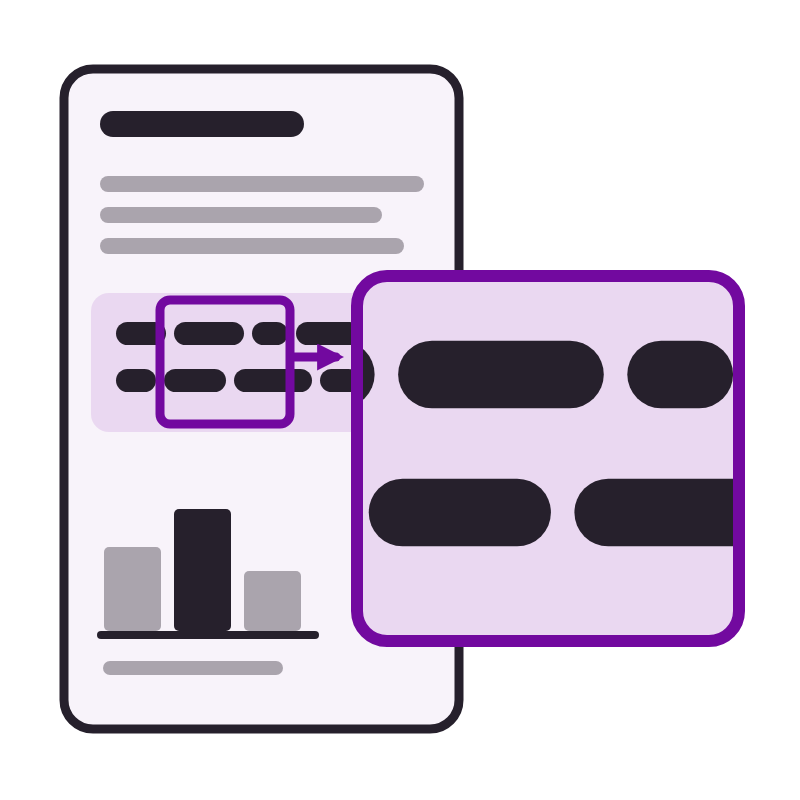
Using my needs as examples, like figures that stay sharp when I zoom and caption sizes I can adjust, I explain why none of them are extras. I also look at how the "special needs" framing leads institutions to treat accessibility as an optional add-on.

-
VeasyGuide: free accessible video lecture tool
Veronica Lewis and I wrote a guide to VeasyGuide for Paths to Technology at Perkins School for the Blind. It shows how to open the free web app, watch a lecture video with its highlights and magnifier, use the keyboard shortcuts, and adjust the highlight to fit each student. It also has tips for teaching students to use it.

-
Read-along: Listening to Claude Code Instead of Reading It
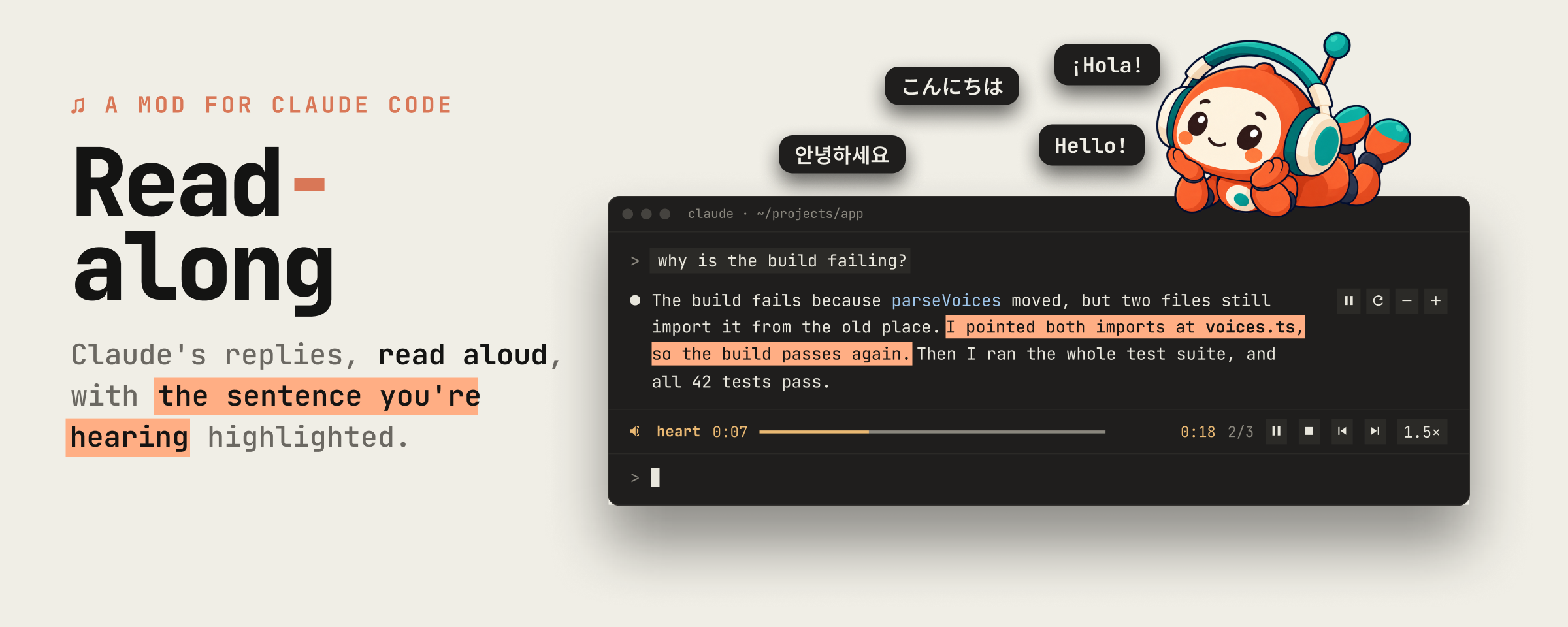
Long replies in a terminal wear me out, so I built read-along, a mod for Claude Code that reads Claude's replies aloud and highlights each sentence as it is heard. I explain why I wanted it, what it does, the features I asked for while building it, and what still needs testing in this first public preview.
-
Why I Want Accessibility Options On by Default
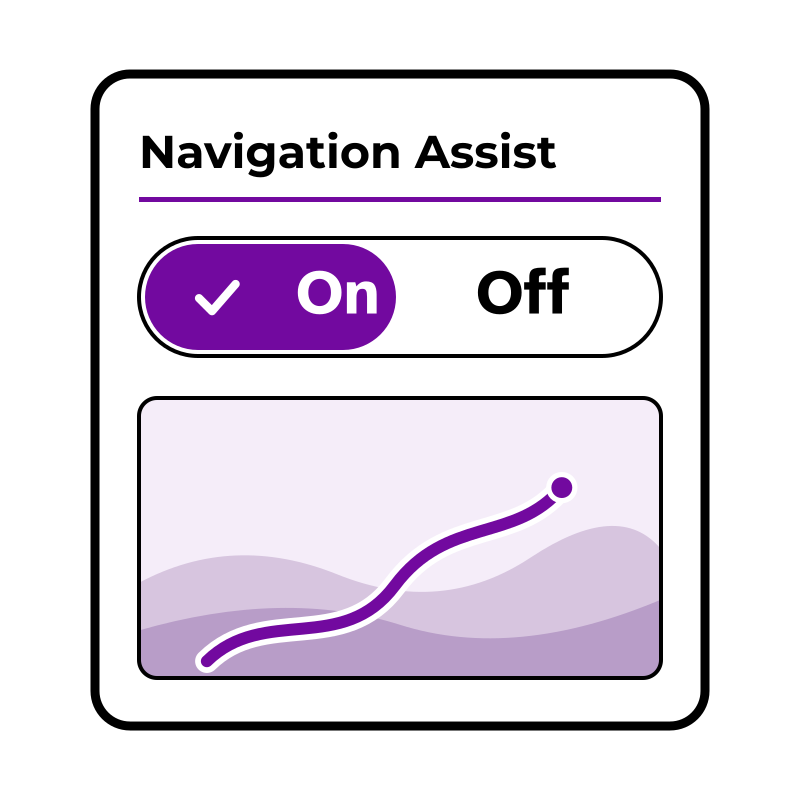
I reflect on the sentiment towards the "Navigation Assist" and visual guides in the recently released Marvel's Wolverine to show how on-by-defaults affect whether players discover useful assistive options. Drawing on my own experience with text-to-speech, I suggest live previews, searchable settings, and notes from disabled playtesters, as improvements to game setting menus.
-
SlideNotes: Comments That Point at the Slide
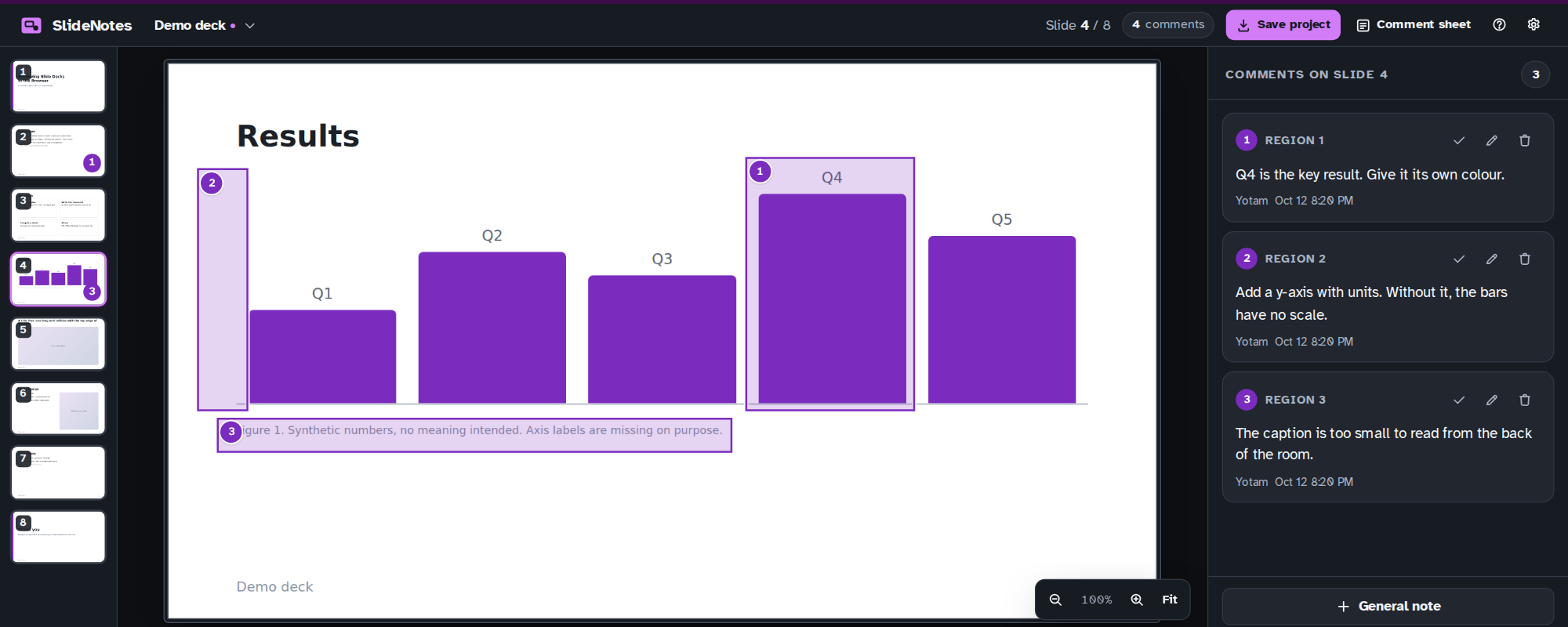
Comments on slides are hard for me to follow, because the mark that shows what a comment refers to is often subtle. So I built SlideNotes, a browser tool where every comment is tied to a numbered region on the slide. I explain what it does, how the exports work for co-authors and AI agents, and why nothing you load ever leaves your machine.