SlideNotes: Comments That Point at the Slide
Comments on slides are hard for me to follow, because the mark that shows what a comment refers to is often subtle. So I built SlideNotes, a browser tool where every comment is tied to a numbered region on the slide. I explain what it does, how the exports work for co-authors and AI agents, and why nothing you load ever leaves your machine.
Listen to this article
The narration could not be loaded.
0:00 / --:--
It’s conference season, and many of us are preparing talks, rehearsing defenses, or sending decks to co-authors for feedback. How do you show someone exactly which part of slide 4 needs fixing?
Google Slides and PowerPoint have comments. For me, they are not easy to read, and often not accessible. I have low vision. I often click a “fix this” comment and then spend a long time searching for the element it refers to, because the mark on the slide is subtle.
SlideNotes ties every comment to a numbered region on the slide. You can try it in your browser, and the code is on GitHub.

How it works
You load a deck as a PDF, as images, or as a PowerPoint file. Then you drag a rectangle over anything on a slide and write your comment. The region and the comment share a number, so nobody has to guess what “the chart” means.
- General notes are for comments that are not about one spot.
- Zoom and pan help with small text and spacing. The regions stay in place at any zoom level.
- Regions can be moved and resized with the mouse, or selected and moved with the keyboard.
- Several decks can live in one browser, each with its own comments.
Sharing the review
When the review is done, SlideNotes collects everything into a comment sheet. Each commented slide appears with its numbered regions, next to its numbered comments.

The sheet exports in a few formats, depending on who will make the fixes:
- PDF or a single HTML page for co-authors.
- A Markdown bundle with each comment, the exact position of its region, and a cropped image of that region. This is the format to hand to an AI agent that will edit the slides.
- A project file that reopens in SlideNotes, so you can continue the review later or in another browser.
Nothing leaves your machine
SlideNotes runs entirely in your browser. There is no server, no account and no upload. This matters for decks about work that is not public yet, such as papers under review.
PowerPoint files are converted inside the browser too, by LibreOffice running as WebAssembly. The converter is a one-time download of about 52 MB. A PDF exported from PowerPoint is still the most faithful input.
Built with accessibility in mind
I built SlideNotes with accessibility in mind. You can change the text size of comments, the font, the contrast, and how the regions look on the slide, because no single marker style works on every slide. Every region has an accessible name that includes its comment, and changes are announced to screen readers.

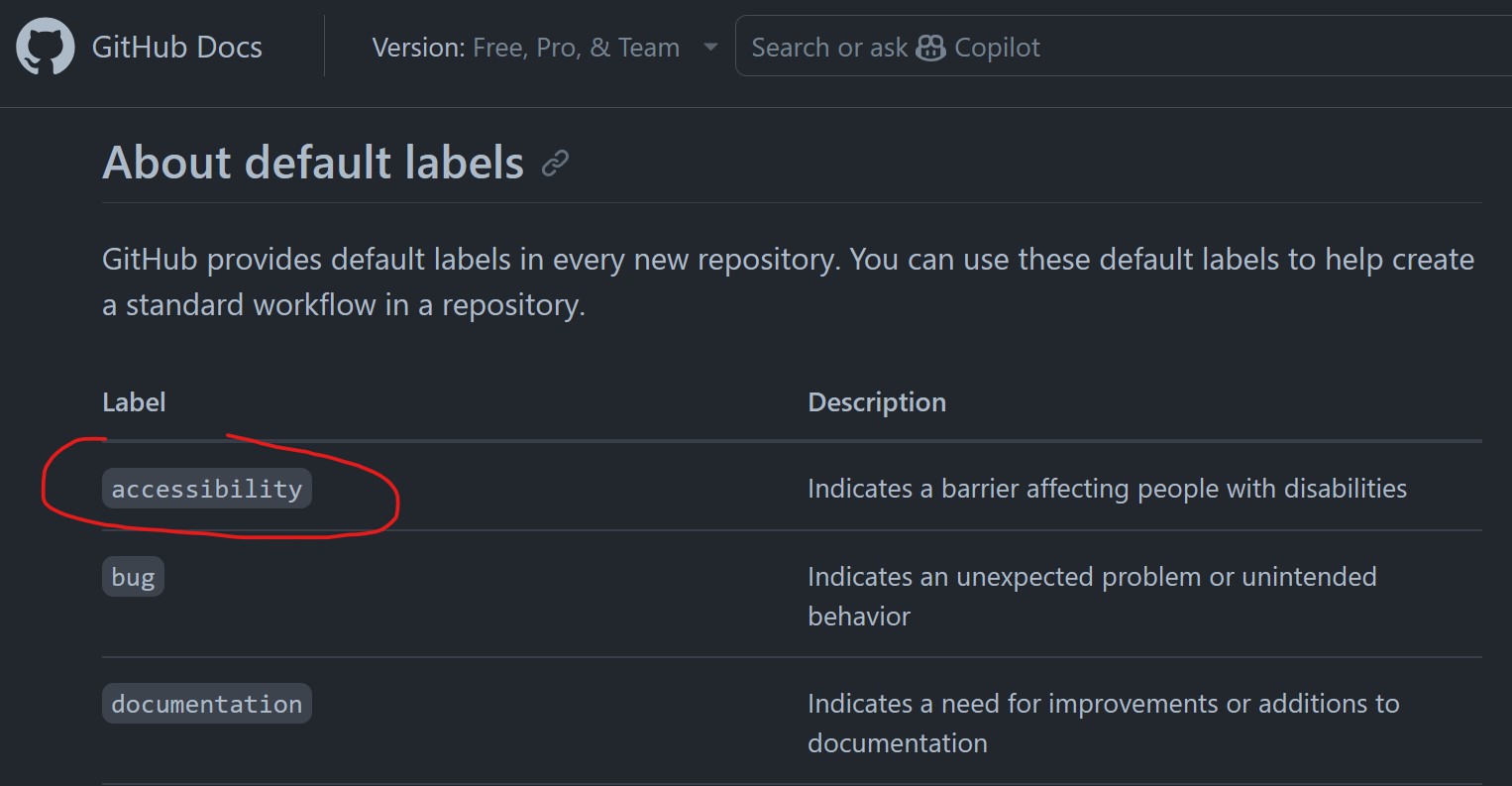
It is not finished. It has not been tested with screen reader users yet, and accessibility is a community effort. If something in SlideNotes blocks you, please open an issue tagged “accessibility”. I’d love to hear how to make it work for more people.
Read or join the discussion on GitHub